

Short answer: if your group lives in a messaging chat, important content gets buried in the scroll. Give the group one private online space with sections for announcements, a shared calendar, photos and files, and a discussion area, invite members by email, and keep the chat only for quick conversation.
A class, a sports club, a parents’ committee, a volunteer team, an extended family. Almost every group today starts in a messaging app, and for the first few weeks it works perfectly. Then the group grows. The event date is somewhere above two hundred messages. The signed form was shared last month, but where? New members join and see none of the history. Half the group has muted the chat because of the noise.
The chat is not the problem. It is just the wrong tool for everything except conversation.
What group chats are bad at
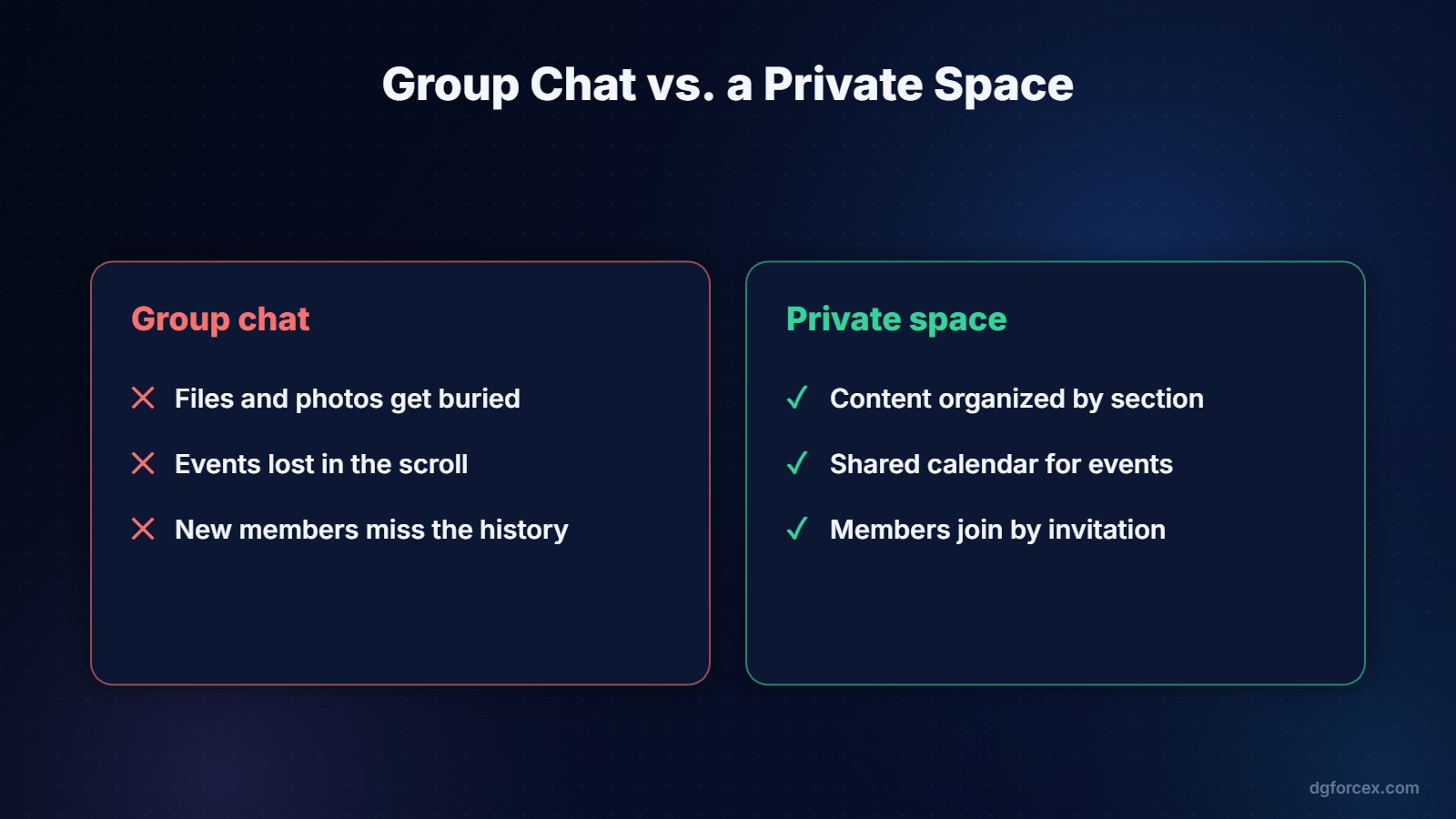
- Finding things. Files, photos and decisions sink under new messages.
- Events. Dates and locations are mentioned once and then lost.
- Onboarding. New members cannot see what happened before they joined.
- Attention. Every message notifies everyone, so people mute the group and miss what matters.
- Privacy. Every member sees every other member’s phone number.
What a private group space should include
A clear home page
The first thing members see: a short welcome, the most important current announcement and links to the main sections.
A shared calendar
Every meeting, practice, lesson or event with date, time and place. Members check the calendar instead of scrolling the chat.
Photos, videos and files
Organized galleries and documents by topic or event, so the group’s memory is kept in one place and new members can catch up.
Discussions by topic
Threads for specific subjects keep conversations focused and searchable, instead of five topics interleaving in one chat.
Controlled membership
Members join by invitation. Nobody needs to share a phone number, and when someone leaves the group, their access ends. If your group handles sensitive information, our digital safety audit guide covers the wider basics of protecting accounts and data.
How to move a group without losing anyone
- Set up the space first. Add the calendar, upload the important files and photos, write a welcome post.
- Invite a few active members to test it and add content.
- Announce the move in the chat with one clear reason: “Everything important is now in one place.”
- Stop posting key information in the chat. Post it in the space and share the link. Within a few weeks, people go there by habit.
- Keep the chat for quick, informal conversation. Both tools can live together.
When you also need a public face
Some groups need two things: a private space for members and a public page for everyone else, such as a club that wants new members, a teacher who advertises a course, or a small business. We cover how to build that public page in How to Build a Simple Landing Page for a Club, Class or Small Business.
A ready-made option
Cliqra gives a group a private room with everything above: content, photos, videos, events, a calendar and discussions in one place. Rooms are built with a drag-and-drop editor, from a template or a blank canvas, and members receive an email invitation to join. It works in the browser on desktop and mobile with no app to install, and it can be added to the home screen like an app. The free plan needs no credit card, and most people are live within minutes.
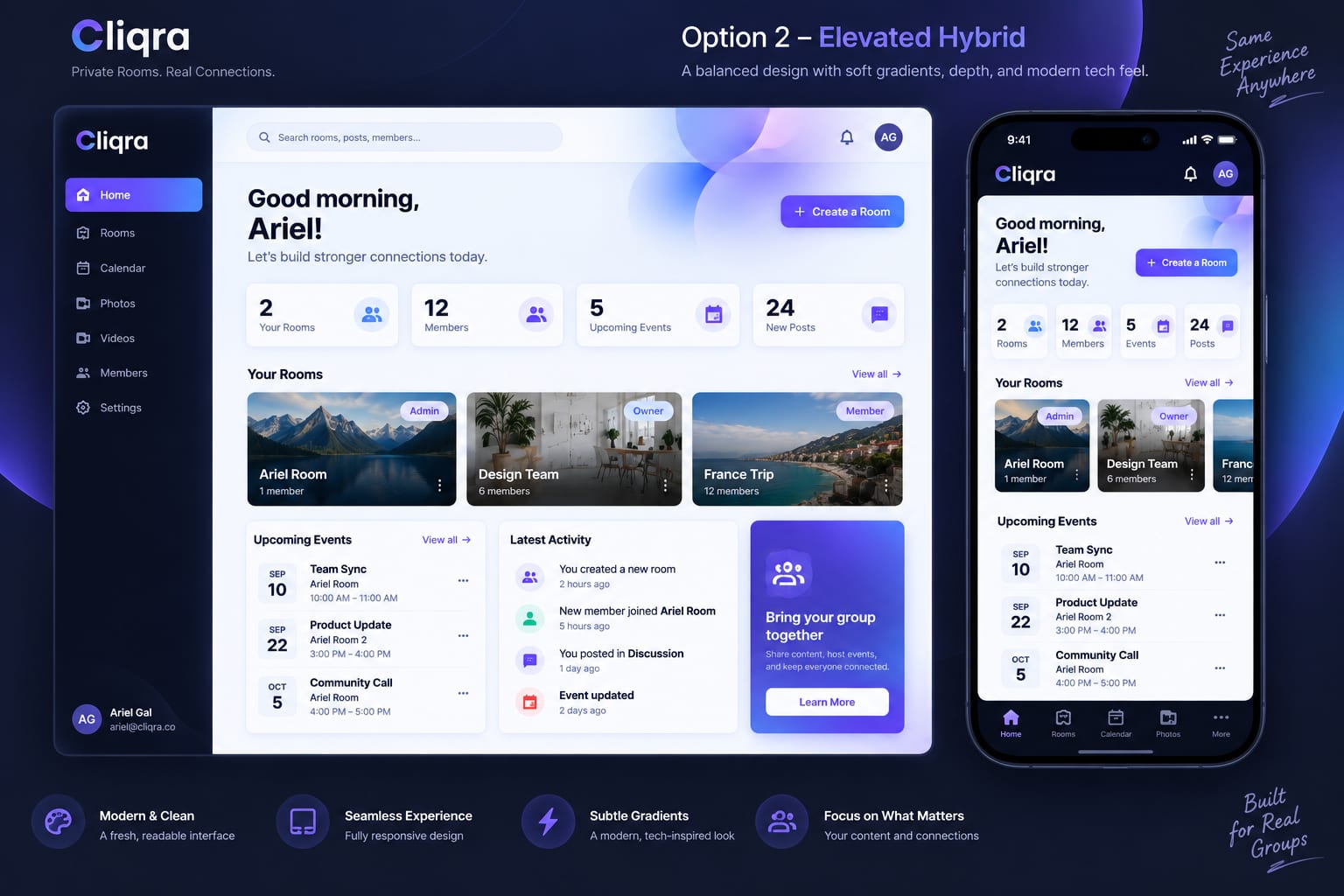
Give your group one private home
Create a private room for your class, club, team or family, and invite members by email.
Start for free: create your Cliqra account.
FAQ
Should we stop using the group chat?
No. Keep it for quick conversation, and move announcements, events, files and photos into the private space.
How do members join a private group space?
Usually by email invitation. Members sign up if needed and get access only to the spaces they were invited to.
Is a private space suitable for families?
Yes. Families use private spaces for photos, events and shared documents that would otherwise get lost in chats.
Do members need to install an app?
Not necessarily. Browser-based spaces work on any device, and many can be added to the phone’s home screen.
How long does it take to set up?
A basic space with a welcome post, a calendar and a gallery can be ready in under an hour.

DGforceX is a digital growth Hub. We combine marketing strategy, AI, web development and cyber risk expertise to help businesses build, grow and protect their digital presence.