

Short answer: to track competitor website changes, list the pages that reveal strategy (pricing, features, integrations, product and careers), watch their sitemaps for new or removed pages, compare each page against the previous version on a daily schedule, and send only meaningful changes to the people who need them.
Most teams find out about a competitor’s price change the same way: a customer mentions it on a call, or a prospect sends a screenshot during negotiation. By then the competitor has had weeks of advantage and your sales team is reacting in front of the buyer.
Competitor websites are the most honest public record of their strategy. Pricing pages show who they want to win. Feature pages show what they are betting on. Integration pages show which ecosystems they are entering. Careers pages show where they are investing next. The information is public; the problem is that nobody has time to check twenty pages across eight competitors every week.
Which competitor pages are worth monitoring
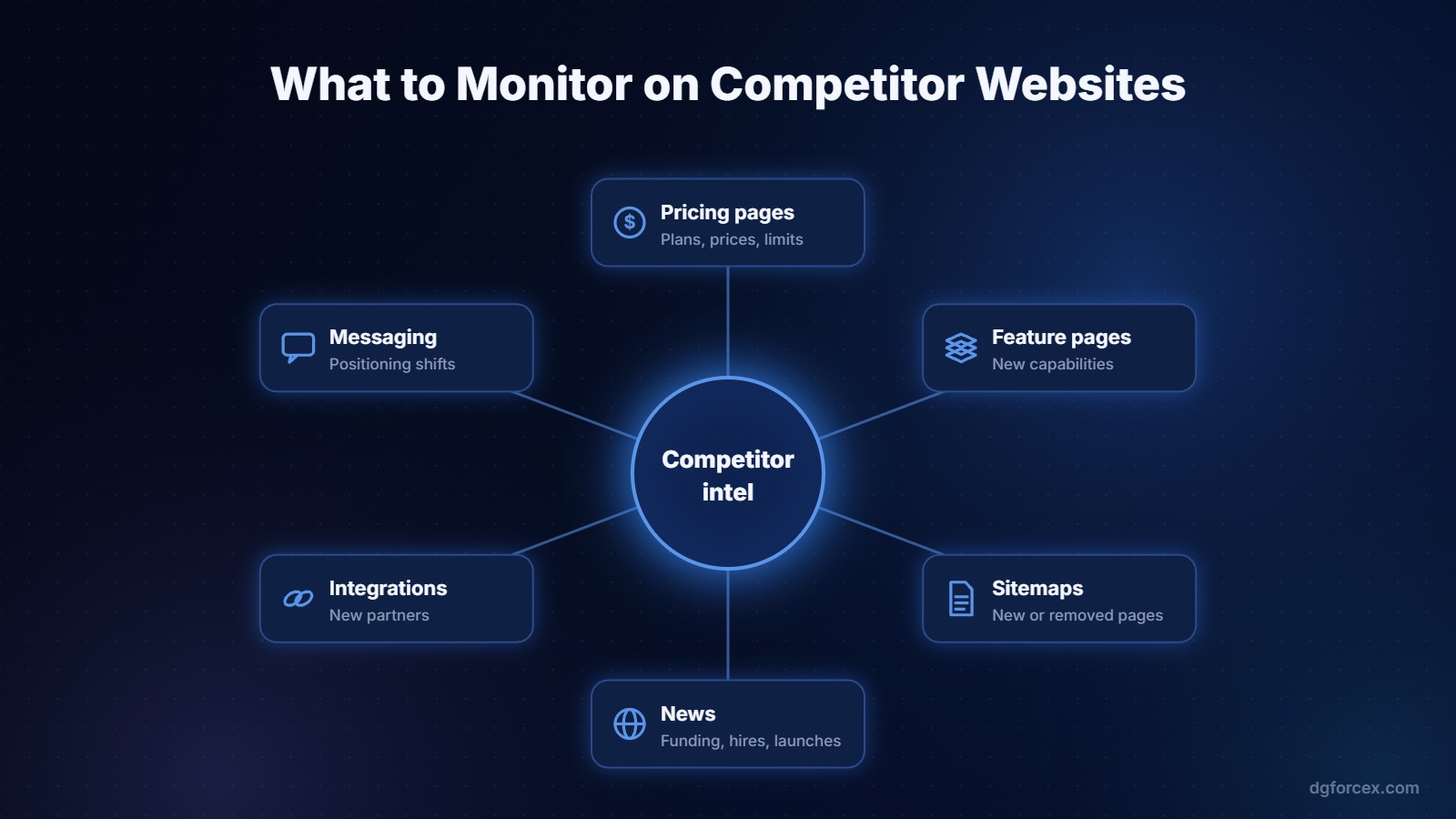
- Pricing pages: plan names, prices, limits, free tiers, annual discounts and what moved between plans.
- Product and feature pages: new capabilities, renamed modules, features that quietly disappeared.
- Integrations and partners: new marketplace listings often signal a new target segment.
- Sitemaps: new pages appear in the sitemap before they are linked from the menu. This is often the earliest signal of a launch.
- Customer and case study pages: new logos show which industries they are winning.
- Homepage messaging: a new headline is a repositioning decision.
- Careers: a cluster of new roles in one area tells you where the roadmap is heading.
How to set up competitor website monitoring
1. Pick your competitors and tier them
Not every competitor deserves the same attention. Tier one is the three to five companies you lose deals to. Tier two is the wider market. Monitor tier one closely, tier two at a lighter level.
2. Build the page list
For each tier one competitor, list the exact URLs: pricing, main product pages, integrations, customers, homepage and the sitemap URL. Twenty to forty URLs is a realistic starting point.
3. Compare on a schedule
A daily comparison is enough for almost every team. What matters is that the comparison looks at the text, not just whether the page changed at all, because cookie banners and rotating testimonials create constant noise.
4. Filter for meaning
A typo fix is not news. A price going from 49 to 59 dollars is. Define what counts as important: price and plan changes, new or removed features, new pages, and messaging changes on the homepage. Everything else can go into a weekly digest or be ignored.
5. Route the right change to the right person
Pricing changes go to sales leadership and whoever owns pricing. Feature changes go to product marketing and product. New integration pages go to partnerships. A shared channel where everyone sees everything quickly becomes a channel nobody reads.
Turning changes into action
Monitoring only pays off if it changes what the team does. For each meaningful change, decide three things: does sales need a new talk track, does a battlecard need updating, and does it affect our own roadmap or pricing? A short monthly review of the biggest competitor moves keeps this from becoming noise. We wrote more about why this kind of speed is a strategic advantage in AI and competitive strategy.
Manual checks versus automated monitoring
You can start manually with a spreadsheet and a calendar reminder. Within a few weeks most teams find the checks slipping. Generic page-change tools help, but they alert on every pixel and leave you to work out what actually changed.
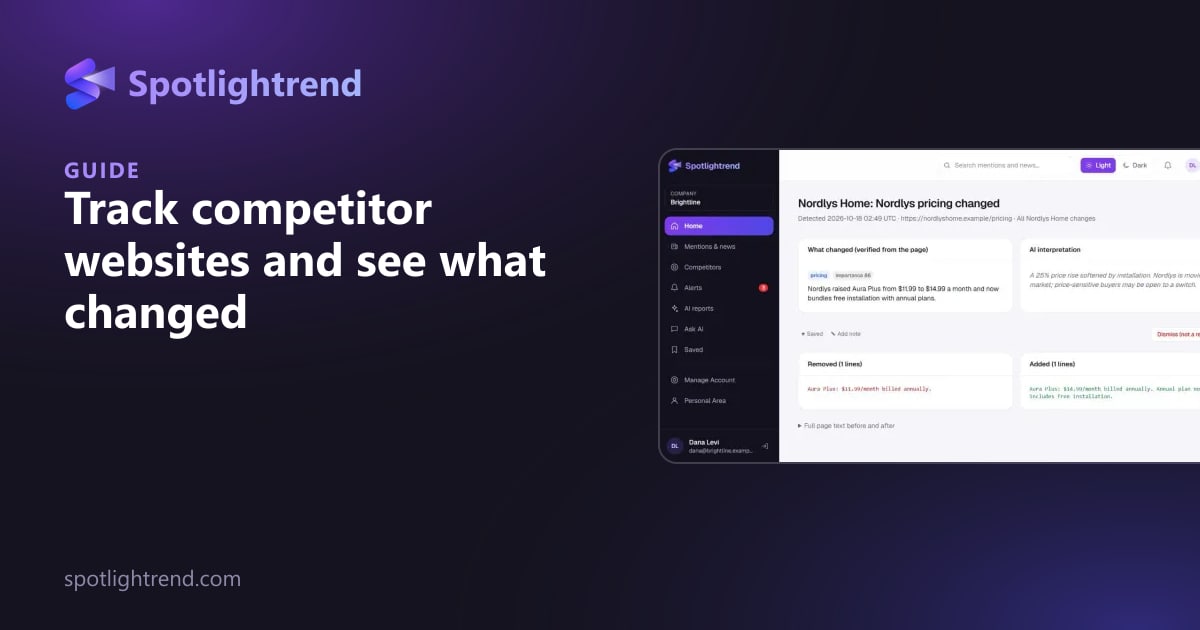
Spotlightrend is built for this job. It compares competitor pricing, product, feature and integration pages day to day, detects new or removed pages through their sitemaps, and uses AI to score each change for importance and explain it in plain language, with a link to the source. You can ask questions such as “What did our competitors change in pricing this month?” and get an answer built from the collected data. Alerts arrive in the app, by email or in Slack, and it connects to Claude and other MCP clients if your team already works with AI assistants, as described in our guide to connecting Claude AI to your business tools.
Website changes are one half of competitive intelligence. The other half is what is being said about you and your competitors in the news, which we cover in Brand Monitoring for B2B Teams: Build a Daily Brief People Actually Read.
Catch competitor moves before your customers do
Set up your competitors in minutes and get pricing, feature and new page changes every morning.
Ready to set it up? Create your Spotlightrend account.
FAQ
How often should I check competitor websites?
Daily comparisons with a weekly summary work for most B2B teams. Pricing pages of your closest competitors deserve daily attention.
Is it legal to monitor competitor websites?
Monitoring publicly available pages is standard competitive research. Respect each site’s terms and avoid anything behind a login.
How do I find new competitor pages before they are announced?
Watch their XML sitemaps. New URLs often appear there before they are linked from navigation or announced.
Who should receive competitor change alerts?
Route by type: pricing to sales and pricing owners, features to product marketing and product, integrations to partnerships.
What is the difference between page-change tools and competitive intelligence tools?
Page-change tools tell you something changed. Competitive intelligence tools tell you what changed, whether it matters and what it means.

DGforceX is a digital growth Hub. We combine marketing strategy, AI, web development and cyber risk expertise to help businesses build, grow and protect their digital presence.