Building a website has never had so many good options. You can describe a site to an AI builder and have a working draft in minutes. You can use WordPress, which still runs a large share of the web and now has AI features of its own. Or you can have developers build something custom, often faster than before thanks to AI coding tools. Each route can produce an excellent site. Each can also produce an expensive mistake if it does not fit what the business actually needs.
The right choice depends less on technology than on four questions: what the site needs to do, who will maintain it, how much it needs to grow, and how much control you want over the result.
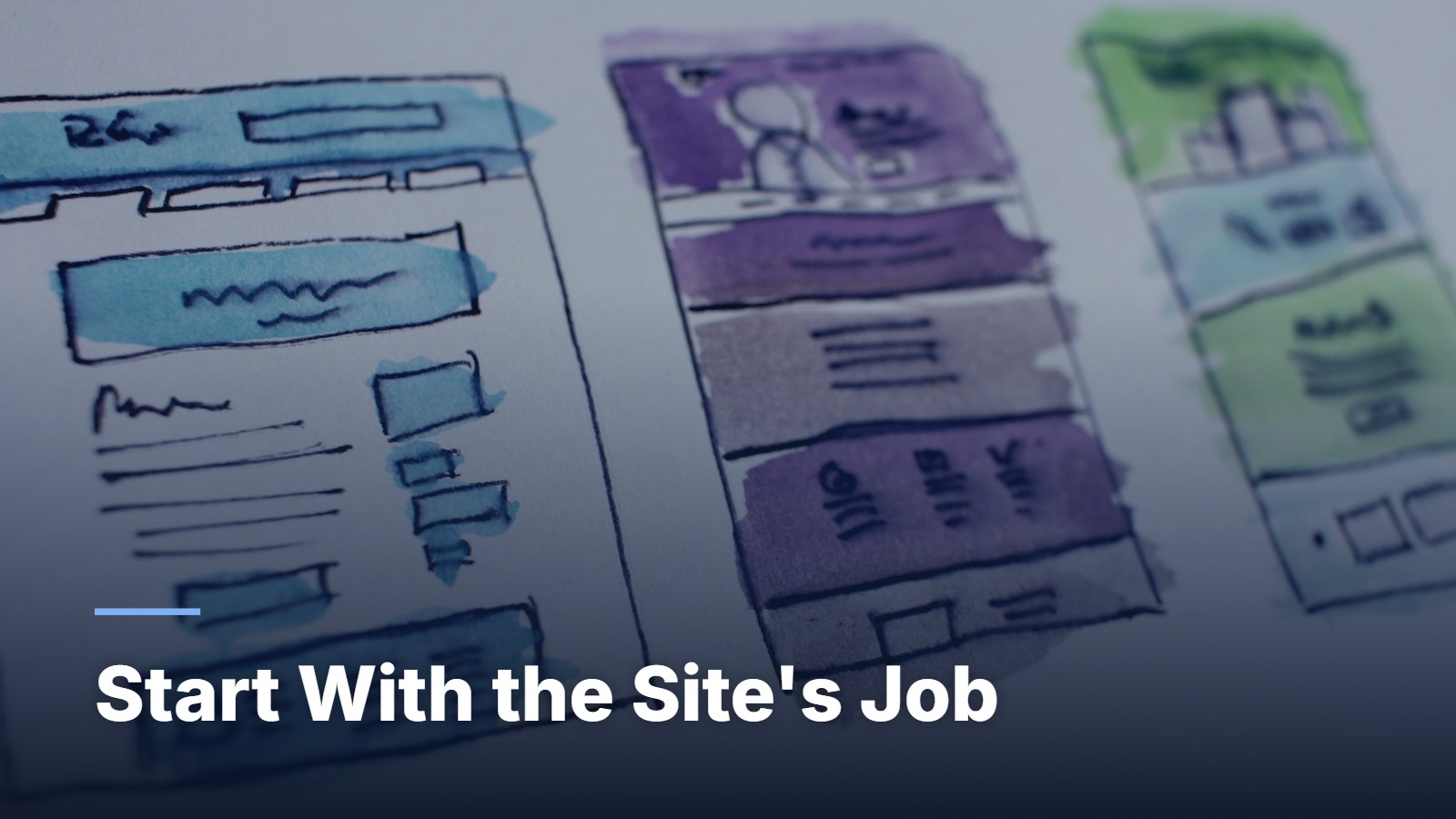
Start with the site’s job
A site that presents a local service business has very different needs from a site that is the product itself. Before comparing platforms, write down what the site must do in its first year.
Is it a marketing site that explains what you do and collects leads? A content hub with a blog and resources that should rank in search? An online shop? A membership or community site? A web application with logins, dashboards and data? Most businesses fall into the first two categories, and that matters, because the simplest options are often the best fit.
AI website builders
AI builders have improved dramatically. You describe your business, choose a style and get a complete site with pages, copy and images. Editing is usually visual, hosting is included, and you can be live the same day.
They are a strong fit for small businesses, freelancers, events, early stage startups testing an idea, and anyone who needs a professional presence quickly without technical help. The trade offs appear later. Customization has limits, moving the site to another platform can be hard, advanced SEO control varies, and costs can rise as you add features. The AI generated copy also needs careful editing, because it tends to sound generic.
We compared several of these tools for building web apps in From Idea to Web App: Comparing the Best AI Tools to Build Without Coding.
WordPress
WordPress remains the middle path for many businesses. It is open source, runs on almost any host, has thousands of themes and plugins, and gives you full ownership of your content and data. Page builders make design accessible without code, and a growing number of AI features help with writing, images and even site management.
It fits content heavy sites, businesses that care about SEO, companies that want to own their platform, and sites that will grow over time with new pages, languages or features. The trade off is maintenance. WordPress needs updates, backups, security and someone who understands how the pieces fit together. A neglected WordPress site with outdated plugins is a common security risk. If you go this route, choosing a sensible stack matters; our overview of the best page builders for WordPress is a good starting point.
Custom code
A custom built site or application gives you complete control. Performance can be excellent, the design can be exactly what you want, and complex logic, integrations and user accounts are no problem. AI coding assistants have also made custom development faster and cheaper than it was a few years ago.
It fits products where the website is the service, sites with unusual functionality, high traffic platforms and companies with a technical team. The trade offs are cost and dependency. Every change needs a developer, content editing may be less convenient for marketing teams, and if the people who built it leave, the knowledge can leave with them.
Plan for year two, not just launch day
The most common mistake is choosing based on how fast a site can launch. Launch is one day. Running the site is every day after that. Ask a few questions about the second year before deciding.
Who updates content? If the marketing team needs to publish weekly, they need an editor they are comfortable with.
What will you add? A blog, a second language, a shop, a customer portal? Some platforms make these easy, others make them painful.
Who handles security and updates? A hosted builder handles most of it. WordPress needs someone responsible. Custom code needs a developer on call.
Can you leave? If you outgrow the platform, how hard is it to move your content and keep your search rankings?
What does it cost over three years? Include subscriptions, plugins, hosting, development time and the cost of your own team’s hours, not just the build price.
Performance and search still matter
Whatever you choose, the basics have not changed. The site needs to load quickly on mobile, be easy for search engines and AI crawlers to read, and have clear structure. Some builders produce heavy pages that struggle on slower phones. Some WordPress sites slow down under too many plugins. Custom sites can be fast or slow depending on how they are built. Before committing, test a few existing sites built on your shortlisted platform. Our guide to Core Web Vitals and SEO explains what to look for.
A practical way to decide
For a simple presence that needs to be live this month, an AI builder is hard to beat. For a business that depends on content, search and gradual growth, WordPress is usually the most flexible choice. For a product, a platform or anything with complex logic, custom development pays off. And it is perfectly reasonable to combine them: a WordPress marketing site in front of a custom application, or an AI built landing page to test an idea before investing in a full build.
What matters most is matching the tool to the job and planning honestly for who will look after the site once the launch excitement fades.

DGforceX is a digital growth Hub. We combine marketing strategy, AI, web development and cyber risk expertise to help businesses build, grow and protect their digital presence.