Organizing a family reunion usually starts with enthusiasm and a group chat. Within a week, the chat has three hundred messages. Somebody suggested a date, somebody else suggested another, an aunt asked about parking twice, a cousin shared a restaurant link that nobody opened, and the person organizing is quietly keeping a spreadsheet of who is coming because the chat has become impossible to follow.
The same thing happens with milestone birthdays, weddings planned by families, class reunions, memorials and community gatherings. The event itself is a joy. The organizing can be exhausting, mostly because every piece of information is scattered across messages, emails and phone calls.
One page for every detail
The most useful step is creating one place where all the event information lives. Not a message that will scroll away, but a page people can return to whenever they need something.
That page should answer the questions guests always ask: date and time, the address with a map link, parking and public transport, the schedule for the day, what to bring, dress code if there is one, accommodation options for people travelling, who to contact and the RSVP deadline.
Write it once, keep it updated, and whenever someone asks a question in the chat, reply with the link. After a few days, people learn to check the page first.

Settle the date with a poll, not a debate
Choosing a date for a large family is notoriously hard. Instead of asking an open question, offer three or four options and ask everyone to mark which ones work. Give a deadline. The option with the most availability wins, and the decision is visible to everyone, which avoids the feeling that one branch of the family decided for the rest.
Collect RSVPs in one list
Head counts matter for venues, catering and seating. Ask people to confirm in one place, with the number of adults and children and any dietary needs. A simple form or a shared list works far better than collecting answers from replies, texts and phone calls. Send one reminder before the deadline and personally call the few who have not answered.
Split the work visibly
Events go smoothly when tasks are shared and everyone can see who is doing what. Make a short list: booking the venue, food, decorations, music, a photographer or a volunteer with a good camera, transport for older relatives, activities for kids, and cleanup. Let people sign up for tasks rather than assigning them, and keep the list on the event page.
Visibility does two things. It prevents duplication, such as three people bringing dessert and nobody bringing bread, and it gently encourages people who have not volunteered yet.
Keep it private
Family events involve addresses, phone numbers, children’s names and photos. That information should not be on a public page. Use a private space where only invited guests can see the details, and keep any public page, if you need one at all, limited to general information.
For community events open to the public, the opposite applies. A clear public page that explains the event and lets people register is exactly what you want. We covered how to build one quickly in How to Build a Simple Landing Page for a Club, Class or Small Business.
Do not forget the older generation
Grandparents and older relatives are often the guests of honor and the least comfortable with apps. Make the event space easy to open with a single link, without complicated downloads. Print the key details for anyone who prefers paper. Assign someone to call older relatives directly with updates. The goal is that nobody misses out because of technology.
Memories in one place
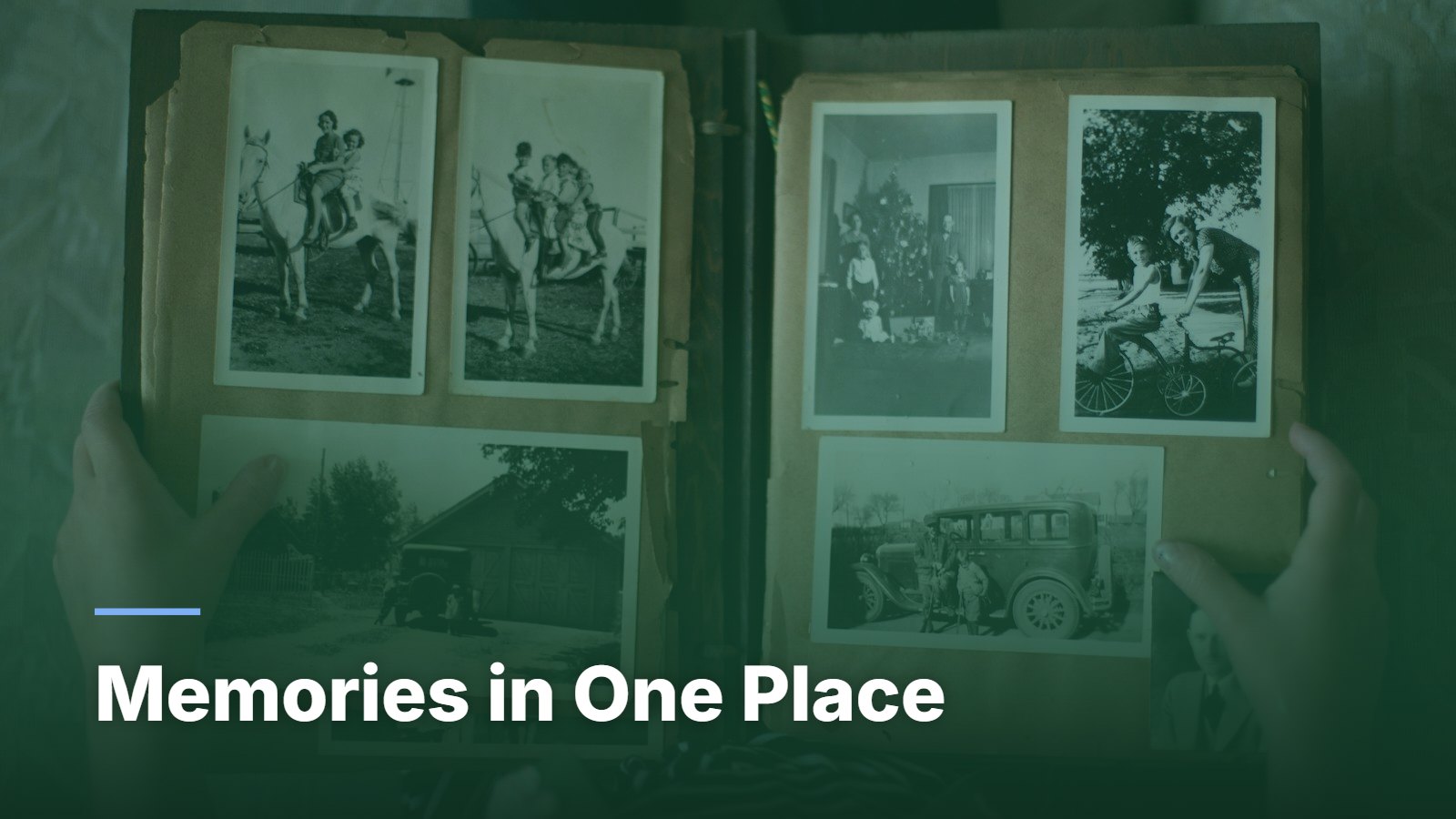
After the event, the photos are scattered across twenty phones. Some get shared in the chat, compressed and hard to download. Many never get shared at all. Set up a private gallery before the event and ask everyone to upload their photos and videos there within a week. It becomes the family archive of the day, and relatives who could not attend can enjoy it too.
For reunions, consider adding older material as well: scanned photos from previous gatherings, a family tree, recordings of grandparents telling stories. These often become the most treasured part of the whole project.
Keep the space for next time
Many families meet every year or two. Instead of starting from scratch, keep the event space and reuse it. The contact list, the task list and what worked last time are all there. Over the years it becomes a small history of the family’s gatherings.
The same structure works for any group that meets regularly. Sports clubs use it for tournaments and end of season parties, as we described in Sports Club Communication, and communities use it for ongoing activities, as in Too Many Group Chats? How to Give Your Group One Private Home Online.
A simple way to set it up
Cliqra lets you create a private Room for the event with a drag and drop editor and add everything in one place: text with all the details, a calendar, discussions, and galleries for photos and videos. Guests join with an invitation and go straight to the Room from any browser or phone, and if you need a public page for a community event, you can build that in the same account.
One private home for your next gathering
Put the details, RSVPs, tasks and photos in one Room and share a single link with the whole family.

DGforceX is a digital growth Hub. We combine marketing strategy, AI, web development and cyber risk expertise to help businesses build, grow and protect their digital presence.